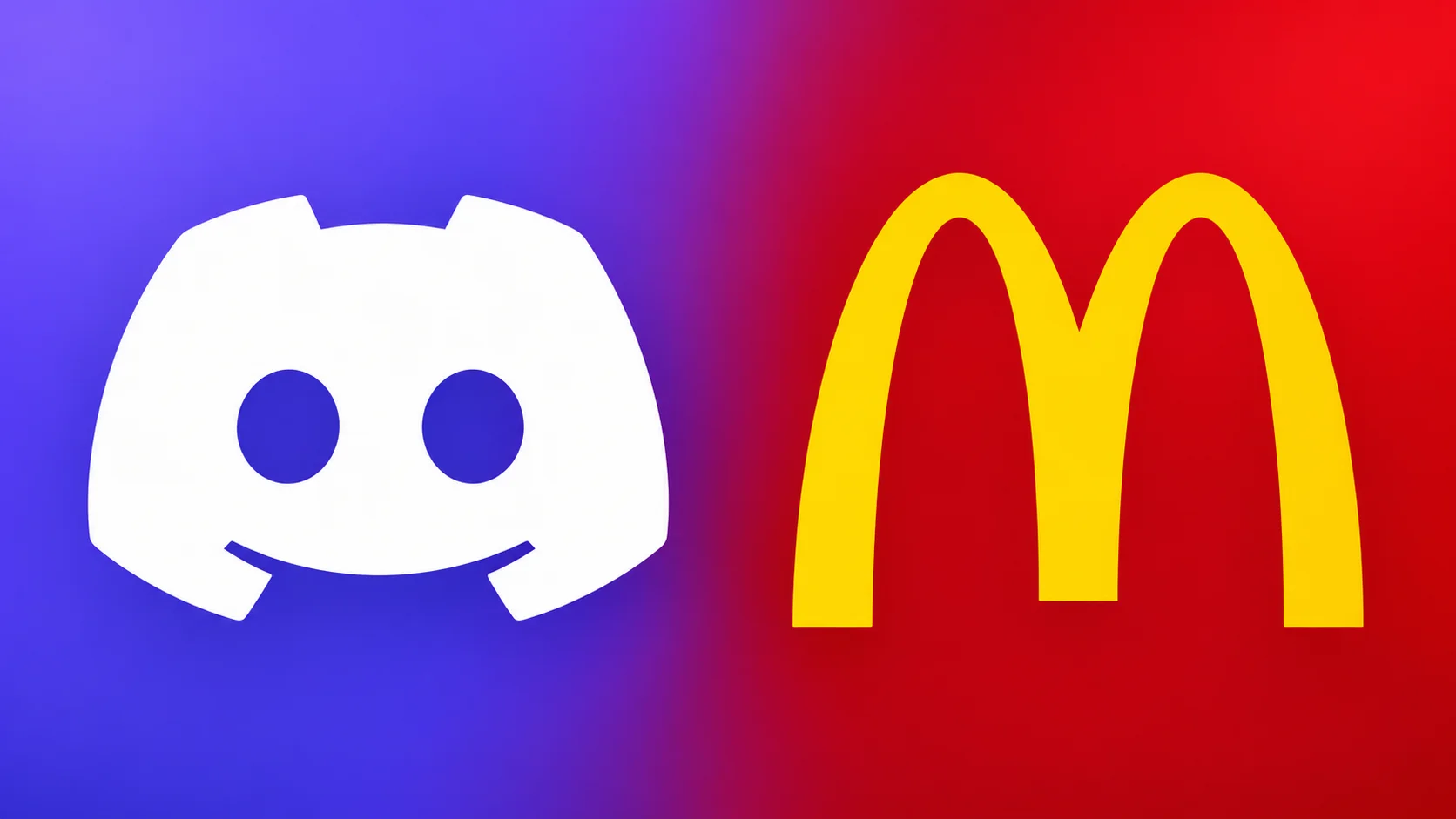

McDonald’s has launched a new Discord activity that lets users start a delivery order while hanging out in a server or chatting with friends.
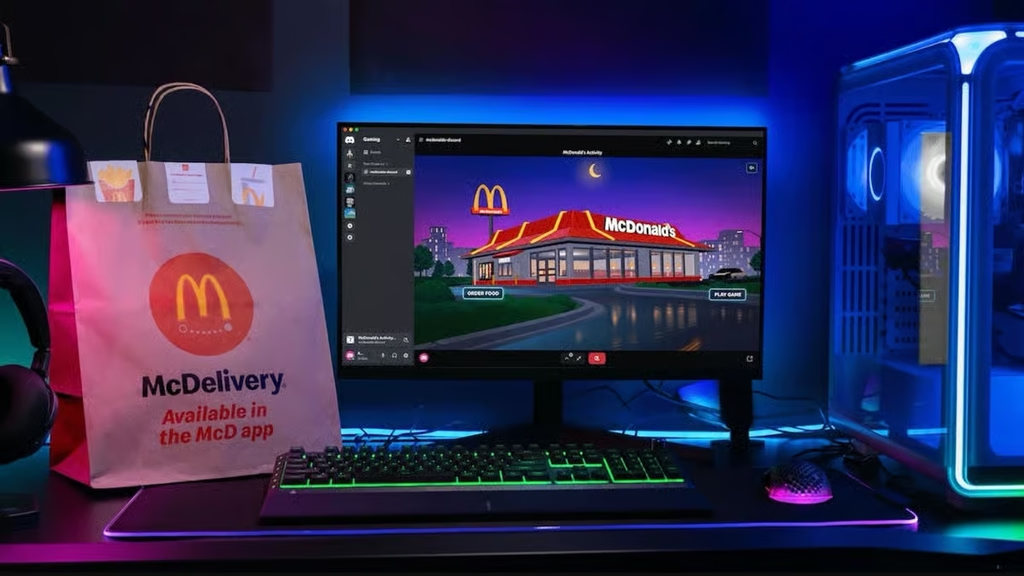
McDonald’s launched a new Discord activity that lets users order food while hanging out in a server or chatting with friends. The feature also includes a mini-game to play while waiting for food.
Announced November 18, the “Order McDonald’s” activity connects users with McDelivery through Uber Eats. It’s available now in the United States.
How to order McDonald’s through Discord
Getting started takes a few steps:
- Open Discord and go to a server, channel, or direct message.
- Open the Apps & Activities menu and find “Order McDonald’s.”
- Launch the activity and select “Order Food.”
- Complete your McDelivery order through Uber Eats, checking your delivery address, items, and total before confirming.
You can also find the activity through its official Discord listing
Play a game while waiting for your food
The same activity includes a McDonald’s-themed mini-game. Select “Play Game” to jump in and compete for a place on the leaderboard.
Discord’s listing describes a retro driving game where players collect food for fuel, dodge traffic and construction, and launch off ramps while racing toward the Golden Arches. An Endless mode lets players keep going as the pace increases.
Where is it available?
The Discord activity is currently listed as available in the United States. Whether you can get a delivery depends on your address and nearby participating McDonald’s restaurants. Enter your address during the ordering process to check the options in your area.
How much does delivery cost?
Your final price depends on the order and the fees shown by Uber Eats at checkout. McDonald’s says delivery menu prices may be higher than restaurant prices, and delivery or small-order fees may apply.